

The mobile app captures the conversations where decisions happen and turns them into context your team and AI teammates read back. Record on the go, and watch each recording become a transcript, a summary, and the decisions worth keeping.
In the SageOx mobile app: this guide opens in the app’s Help & guides page. Its navigation stays in the app so you can return to Settings or start recording without leaving your place.
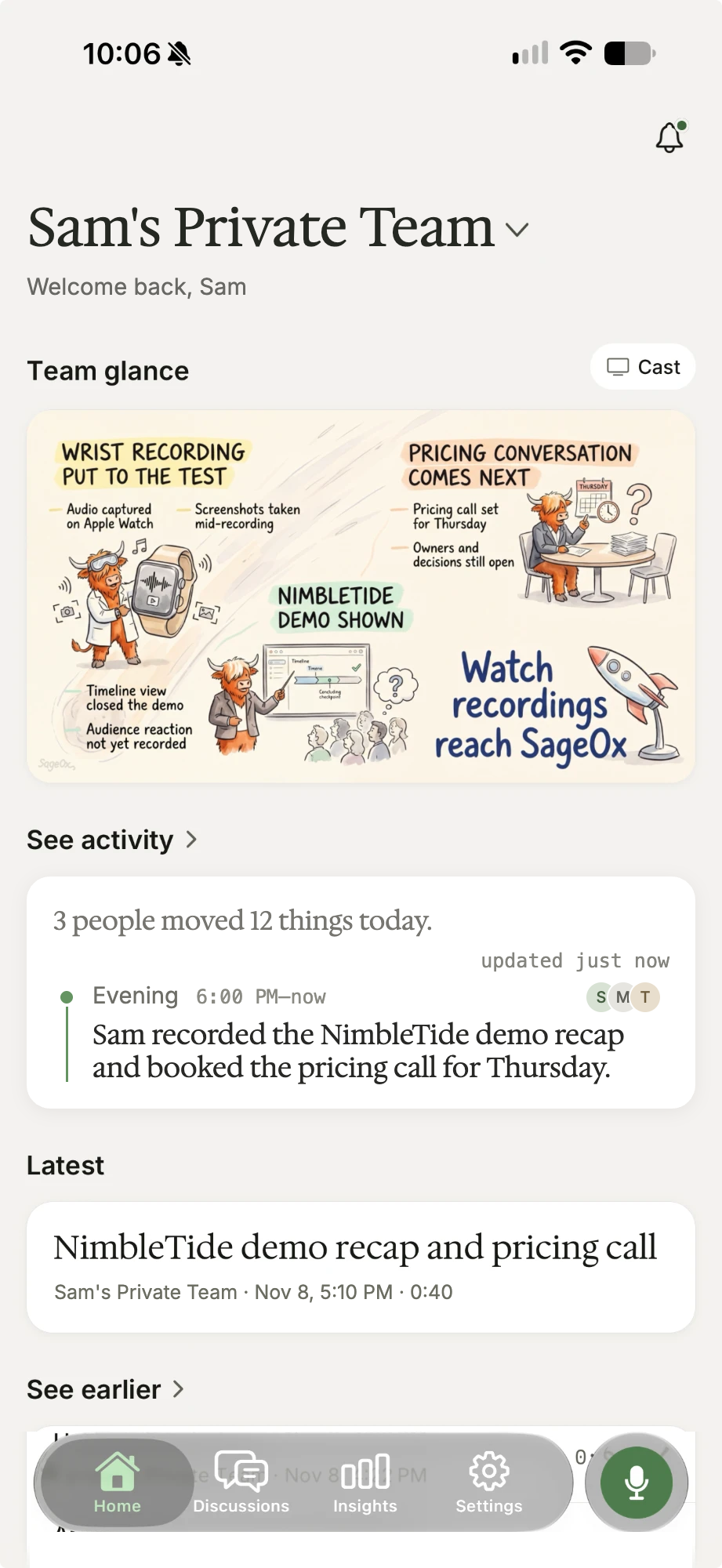
SageOx for mobile is an iPhone app: it also runs on iPad, and it records from your Apple Watch. Explore SageOx on mobile, or read on. Sign in with the same account you use on the web (email, passkey, or continue with browser), and it pairs to your teams automatically.
Your audio streams to your private workspace as you record, and a local copy is held until the server confirms receipt, so nothing is lost if your connection blinks. You choose the team, and that workspace scope decides who can see it.
What's next
- Record your first discussion: capture a conversation and watch it become context.
- Apple Watch: record from your wrist while your iPhone stays in your pocket.
- Get the most out of SageOx: turn one recording into a daily habit.
- Troubleshooting: the common snags and the one fix for each.