

Teams moving at agent speed
use SageOx for:
- Founder
- Claude Code (agent)
- Product
- Cursor (agent)
- Claude (agent)
- Engineering
- ChatGPT (agent)
- GTM
- Design
- Gemini (agent)
- Go-to-market
- GitHub Copilot (agent)
- Devin (agent)
- Engineer
- Buzz (agent)
- Ops
















Shared context
is the foundation
SageOx gives human-agent teams the tools to work on top of it.
You work with one agent
Your context belongs to the team, not to any one tool
Persistent & private
Your context is secure, access controlled, and never leaves your team without permission.
Versioned
Every change is traceable back to what came before it.
Portable
You can take your entire context at any time. No lock-in, leave anytime.
02Operating toolkit

Tools that build on the context layer
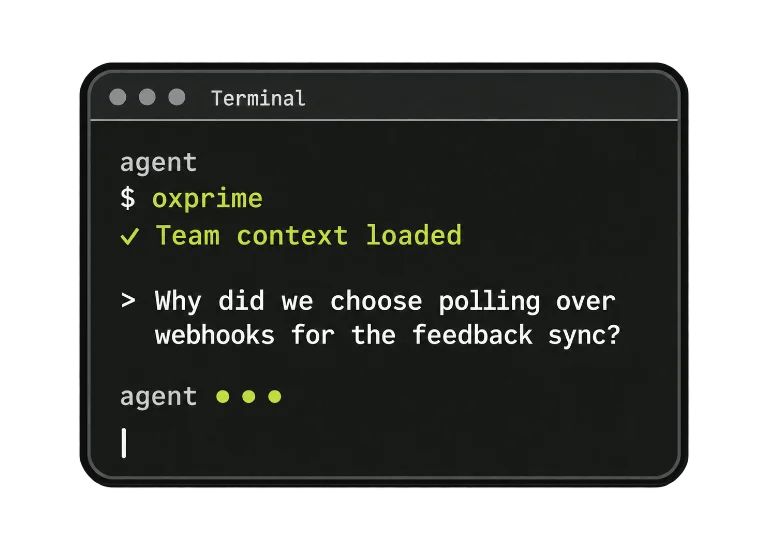
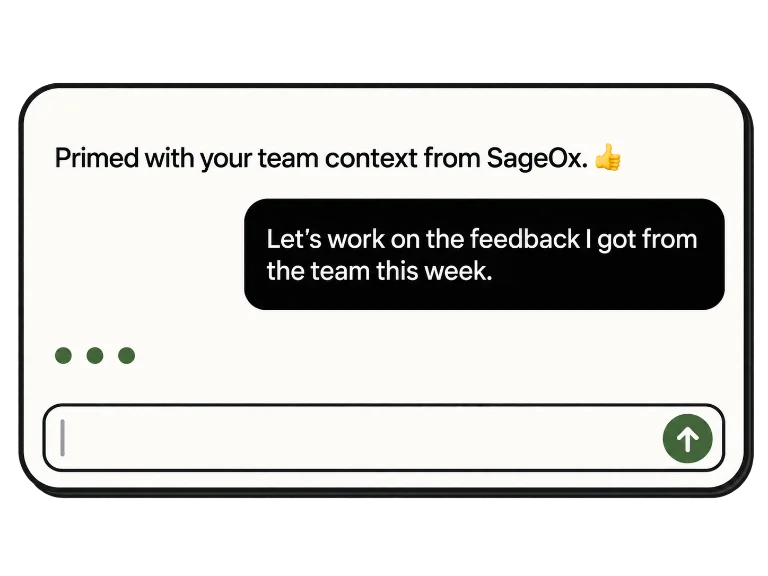
Agent priming
Start any agent with the context it should already have.
Agent priming
Team status
Live activity visibility across people and agents.
Team status
Search and retrieval
Ask the record directly instead of asking around.
Search and retrieval
Context publishing
Push what you know into the shared layer deliberately.
Context publishing
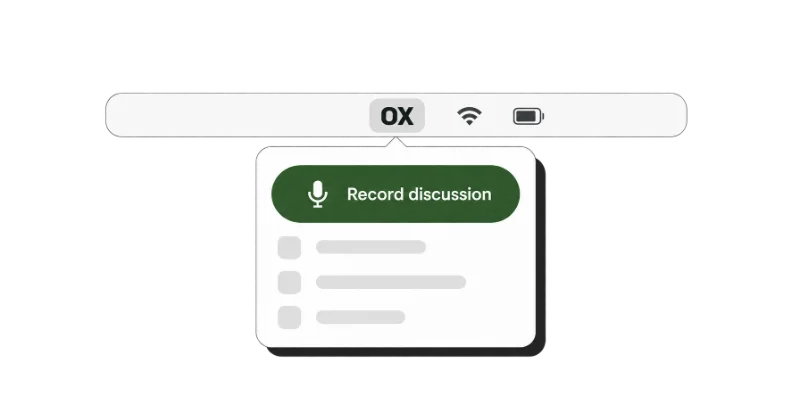
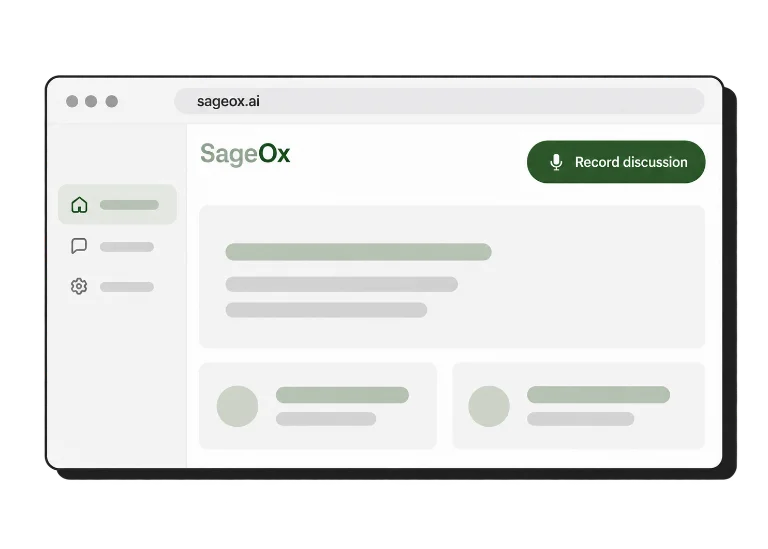
Meeting capture
Decisions from the room land in Team Context.
Meeting capture
Coordination signals
Pulses and murmurs that tell the team what changed.
Coordination signals
Handoffs
Move work between humans and agents without a re-brief.
Project and team views
Glance at a project and see its whole current state.
Project and team views
Ox Plans
HTML architectural and technical plans preceding code implementation.
Ox Plans
When everyone works from the same context
Prevent drift
Stay aligned with what you decided, not just what you remembered.
Avoid duplication
No more rebuilding what someone else already figured out.
Surface collisions early
See risky overlaps and course correct before they become costly.
Context where you already work


For agentic teams and solo builders alike

Align all of your agents
with a single source of context
Resume any session where you left off, on any model or harness.
Set intent by talking, sketching, or drafting an Ox Plan before an agent starts.
Context carries between Claude Code, Codex, ChatGPT, and other agents.