
How to Connect Team Context to Claude: Granola vs SageOx
Your agents, like Claude and Codex, don't know what your team decided. Here's the fix: no notetaker, no wiki, just one command.

TL;DR
There are plenty of AI notetakers that can feed meeting context to an agent: Granola, Fireflies, Otter, Fathom, Fellow and tl;dv all offer a Claude connector or MCP server, and teams have wired them up in just as many ways. The setup we see most often is Granola + Notion, so that's the one this post walks through. We say Claude throughout, but the same goes for Codex and other agent harnesses.
You can connect your meeting notes to Claude by linking Granola and Notion through Claude connectors, and Granola also has its own MCP connector. But each person's Claude only sees their own notes. For shared team context, SageOx captures your team's meetings and gives every teammate's Claude and Claude Code session access. It's also quick to set up!
Short on time? Skip to the SageOx way: three steps instead of eleven, and much faster to set up.
What teams are really after is shared team context: one place where decisions, discussions and reasoning live, so every person's AI assistant and coding agent starts from the same knowledge.
The Problem: Claude doesn't know what your team decided
More context isn't always better. The tempting fix is to give your agent all of the information you have access to, but when you're working on one specific feature, a pile of unrelated docs and transcripts buries the few decisions that matter. Too much context derails Claude just as much as too little.
When people start using agents, they quickly find that an agent is only as good as the context it gets. Heavy users have worked out ways to feed context to their agents automatically, and if you're in a lot of meetings and already use Granola, you can point your notes at Claude.
That matters because most of a team's real decisions happen in meetings: what to build, why an approach was dropped, and who owns what.
But connecting an existing notetaker leaves a bigger problem unsolved. Each agent only sees the notes its owner wrote or was given access to, and stays blind to every conversation that wasn't shared with them. Fathom and Fellow, for example, only give your agent the meetings you can already see in their apps.
Meeting notes are only one piece of that context, though. The reasoning behind your work also lives in pull requests and code review, design docs, chat threads, and the AI coding sessions where a teammate worked through a problem with their agent. A notetaker captures what was said on a call, but not how that discussion shaped the code that came after it.
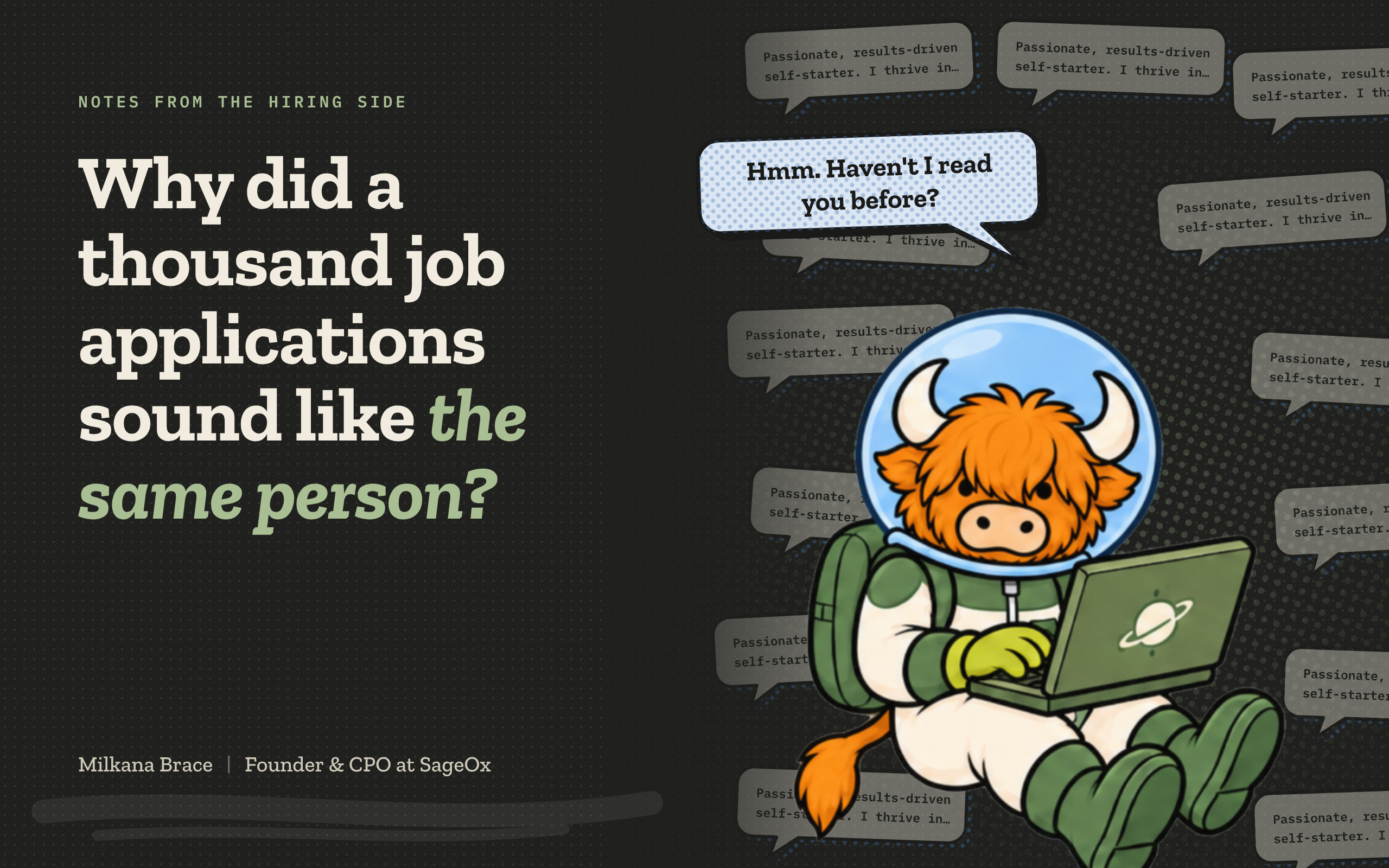
This gets worse as teams add AI agents. Each person's Claude, Claude Code session or other agent works from its own slice of context. Without shared team context, two agents on the same project can act on different, outdated versions of what the team agreed.
How to connect meeting notes to Claude with Granola and Notion
Granola is a strong personal notetaker, and Notion is where many teams already keep their docs. Here's how to wire them together.
- Check your plans first. You'll need several subscriptions before any of this works:
- Granola's Notion integration and its Zapier connector both need the Business plan ($14 per user per month). The free plan has no integrations.
- Zapier's automation needs Zapier Professional ($19.99 a month billed annually, or $29.99 billed monthly).
- Claude connectors need a paid Claude subscription.
- For one person on annual billing, Granola and Zapier alone come to about $33.99 a month, before Claude and Notion.
- Set up Granola. Create an account, sign in and connect your calendar so Granola knows which meetings you have.
- Capture the meeting in Granola. Granola transcribes in the background without a bot joining the call.
- Tell everyone on the call that you're using Granola to transcribe it.
- Granola doesn't keep the audio. It transcribes in real time and deletes the recording, so the text is all you get.
- After the call, click Enhance notes to merge your typed notes with the transcript.
- Build your Notion database first. Before connecting anything, create a database in Notion and add a property for everything you want to track:
- Interview date (Date)
- Participant name (Text)
- Company (Text)
- Customer segment (Select): Enterprise, Mid-market, SMB
- Feature tags (Multi-select)
- Sentiment (Select): Positive, Neutral, Negative, Mixed
- Granola link (URL)
- Summary (Text)
- Key themes (Text)
- Status (Select): Raw, Synthesized, Shared
- Connect Notion. In Granola, open Settings and click Integrations.
- Select Notion and authorize the connection in your browser.
- Send each note to Notion. Open an enhanced note and push it to Notion from the note sidebar.
- Notes go one at a time.
- Review each note before you send it. Repeat for every meeting.
- Notion gets the note text, the summary and a Granola link. The full transcript stays in Granola, so teammates have to open the shared Granola link to read it.
- Past notes don't sync on their own. To backfill them, use Granola's historical notes export, or the Raycast extension (Mac only) one note at a time.
- Automate it with Zapier (optional). There's no built-in automatic sync, and folder-based automation only works through Zapier.
- In Granola, create a folder for the meetings you want synced, such as "Customer Interviews".
- In Zapier, create a Zap with the "Note Added to Granola Folder" trigger. Or use "Note Shared to Zapier", which fires only when you share a note by hand from the sidebar.
- Add a "Create database item" action for the Notion entry.
- Chain an "Add Block to Page" action to put the summary in the page body. Notion text properties cap at 2,000 characters, so long summaries in a property get cut off.
- Map each Granola field to a Notion property: meeting title, date, attendees, summary, action items and share link. Attendees may need parsing to pull out the right name.
- Each synced note uses one Zapier task, out of 750 a month on Professional.
- Finish each entry in Notion by hand. The sync doesn't fill in Customer segment, Sentiment or Feature tags. Open every new entry and add them yourself.
- Connect Notion to Claude. In Claude, add the Notion connector so Claude can read your workspace.
- Connect Granola to Claude (optional). Granola's own connector lets Claude query your meeting notes directly.
- In Granola's settings, turn on MCP.
- On the web, go to claude.ai/customize/connectors (Connectors → search "Granola"). It connects through the web, not the Claude Desktop extensions menu.
- Authorize Granola in the browser window that opens. Every teammate has to do this for their own account.
- On Granola Enterprise, a workspace admin must first enable MCP under Settings > Security. Until they do, nobody can connect.
- On Granola's free Basic plan, Claude sees only the last 30 days of notes and no transcripts.
- Claude can only reach notes you own or that were shared with you one by one. A team folder a colleague shared with you doesn't count.
- Ask Claude about your meetings. For example: "Using last Tuesday's planning call, list the open decisions and who owns each."
This gives one person a searchable meeting history that Claude can draw on. Sources for each step are listed at the end.
Or just ox init
If that sounds like too much work, I agree.
SageOx captures your team's meetings and makes them available to Claude in one place. There's no separate notetaker, no wiki in the middle, and no sync to maintain. It's built as shared team memory, so a teammate's Claude can draw on a discussion they weren't in. Meetings are only part of it: SageOx also records your team's AI coding sessions, so the reasoning behind a change sits next to the discussion that led to it.
That's a design difference, not just a feature gap. Notetakers like Granola and docs tools like Notion were built for humans and have since been extended to agents. SageOx was built from the ground up to serve both humans and agents.
- Create an account with SageOx and start your first meeting with your team.
- Install the
oxCLI, then runox login && ox initin your codebase. - Ask Claude (or your preferred coding agent) and watch the magic.
Each time Claude starts a session, it also loads your team's context on its own (ox agent prime), so there's nothing extra to run.
Granola + Notion vs SageOx: side by side
What your agent gets
| SageOx | Granola + Notion | |
|---|---|---|
| Built for | Your whole team | One person |
| Claude sees | Team meetings captured in SageOx, including ones you missed | Your own notes, plus ones shared with you |
| Beyond meetings | Your team's AI coding sessions | Whatever's in your Notion |
| Transcripts | Kept with the meeting | Stay in Granola; Notion gets the summary |
| Best for | Shared context for every agent | Personal notes next to a Notion wiki |
What it takes
| SageOx | Granola + Notion | |
|---|---|---|
| Tools | Just SageOx | Granola, Notion and Zapier |
| Setup | Install ox, then ox login && ox init | 11 steps, for every teammate |
| Getting notes in | Automatic, with no sync to maintain | One note at a time, or one Zapier task per note |
- Where SageOx shines: every teammate's agent starts from the same decisions, and it works with Claude and other coding agents.
- Where Granola + Notion shines: a polished notetaker with no bot on the call, built-in CRM connections (HubSpot, Attio, Affinity), and a good fit for teams already living in Notion.
- Trade-offs: Granola + Notion means four tools to set up, pay for and keep working, plus Notion fields like sentiment and tags filled in by hand. SageOx isn't a personal notepad or CRM tool, and it's a newer product with fewer integrations.
FAQ
What's the difference between Granola MCP and SageOx?
Granola MCP connects one person's notes to their own Claude, and every teammate authorizes it separately. SageOx is shared team memory: every teammate's Claude starts from the same meetings and decisions.
Can Claude read my meeting notes?
Yes, through a connector. Granola's MCP connector lets Claude query the notes you own or that were shared with you, and the Notion connector lets Claude read the notes you've synced to Notion. SageOx gives Claude your whole team's meetings instead.
How do I give Claude Code my team's context?
Install the ox CLI and run ox login && ox init in your codebase. Claude Code can then draw on your team's meetings in SageOx, including the ones you missed.
References
- SageOx, Getting started
- Granola, Sync Granola notes to Notion as a research repository
- Granola, Granola MCP for Claude, ChatGPT and Cursor
- Fireflies, MCP configuration
- Fathom, Fathom + Claude
- Fellow, Fellow's MCP server
- tl;dv, How to connect meeting notes to Claude with MCP