

iOS
SageOx on iPhone and Apple Watch
Record a Discussion from your iPhone or your wrist, and it becomes context your team and AI coworkers can use.
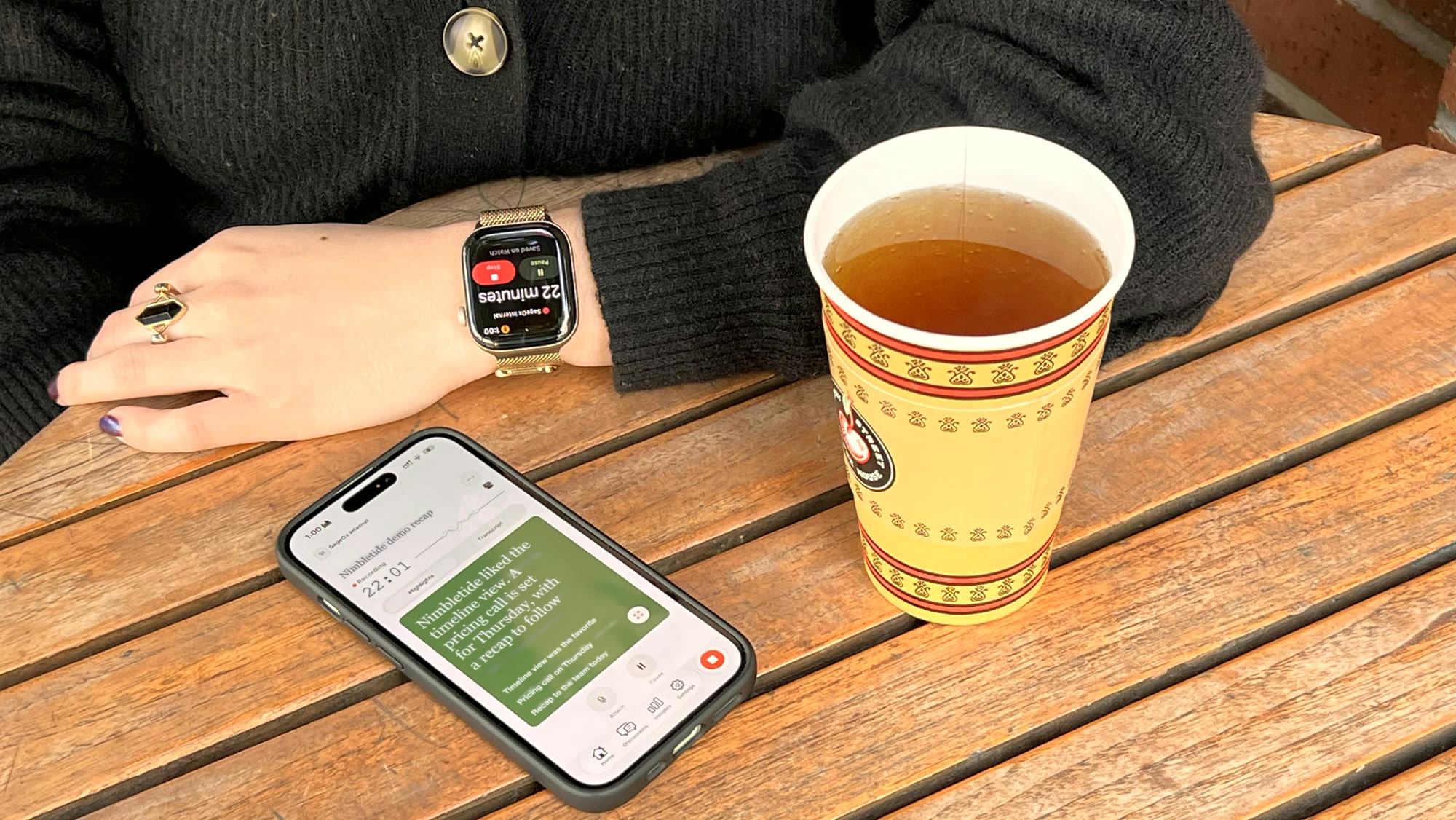
- Record on iPhone: Tap Record on Home and pick the team. A live timer shows capture is running, and Highlights and Transcript tabs follow along while you talk.
- Record from your wrist: Open SageOx on your Apple Watch and tap Record. The Watch records with its own microphone, so your iPhone can stay in your pocket.
- Nothing lost: The iPhone streams audio to your private workspace as you record and keeps a local copy until SageOx confirms receipt. The Watch keeps its copy until the upload is confirmed, and hands the recording to your iPhone if it can't send it itself.
- Becomes context: Each recording becomes a Discussion with a transcript, a summary, and decisions in your Team Context. An AI coworker reads them the next time it runs .
- Set up the Watch once: On your iPhone Home, tap Set up on the Record from your wrist card. The Watch needs watchOS 27 and an iPhone on iOS 27. Get the app from the App Store, or read the Apple Watch guide.